Projects / WordPress & HubSpot
EasyPartner: WordPress/Elementor Rebuild and Custom HubSpot API Integration
A fullstack rebuild of a legacy WordPress site onto a maintainable Hello Elementor base, migration from the Bullhorn CRM to HubSpot, and a rebuilt SEO architecture (internal linking, keyword cannibalization).
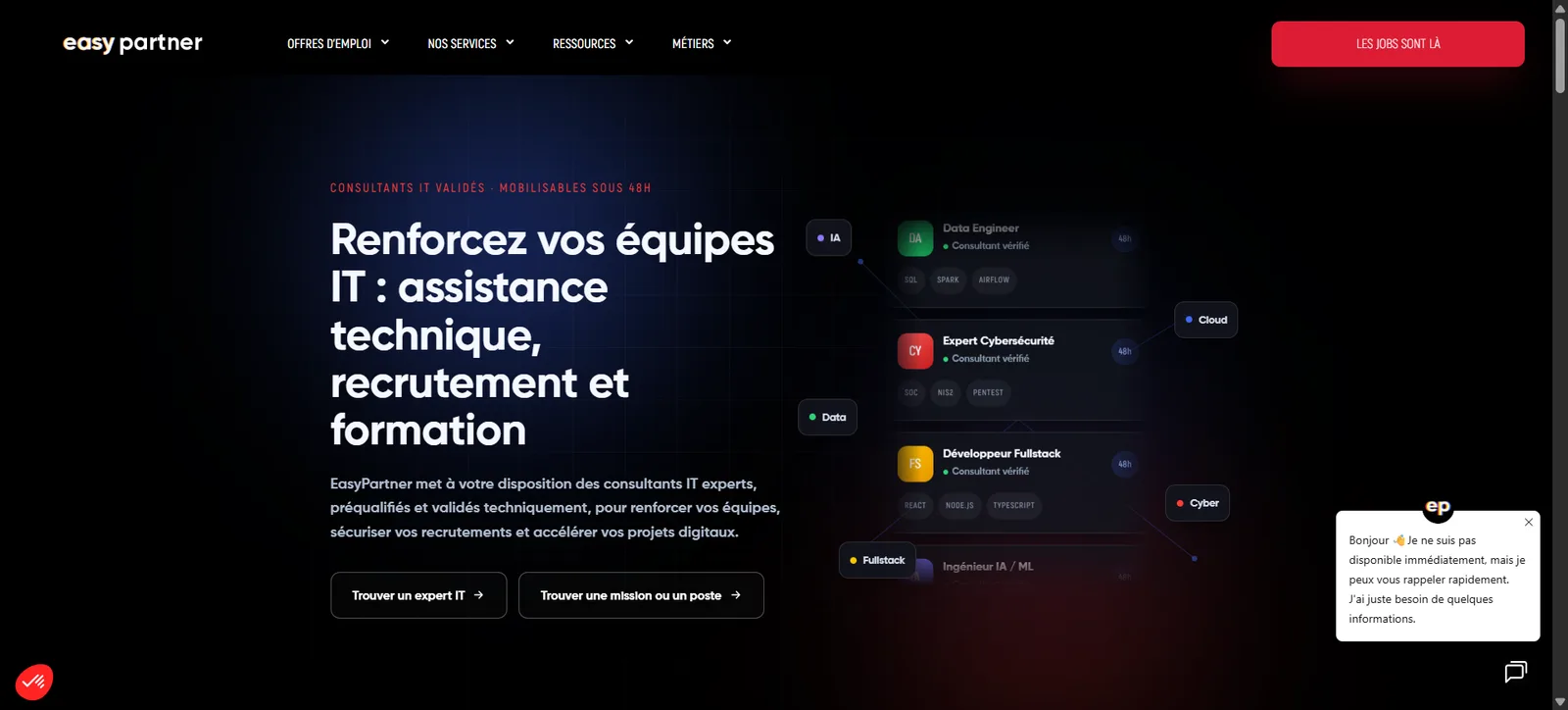
WordPress/Elementor Rebuild and Custom HubSpot API Integration
Case study · Fullstack web development · WordPress · Elementor · PHP · HubSpot API
Saving a site that broke with every update
EasyPartner is a recruitment firm that continuously publishes job listings on its site, receives applications and sources candidates through referrals across its network. The site ran on a custom WordPress theme that was no longer maintained, with PHP code no longer compatible with recent PHP or WordPress versions: every security update risked breaking part of the site, forcing the team to freeze versions and indefinitely postpone fixes.
This technical debt was no longer sustainable for a site that serves as a daily business tool: every listing published, every application received and every referral logged passes through it. I was brought in for a complete fullstack rebuild: reconstruct the site on a durable foundation and redevelop the HubSpot integration, the CRM used by the recruitment teams, from scratch.
The client's needs: a clean foundation without losing business functionality
The legacy site wasn't just a design problem: it carried an entire business layer (listing management, applications, referrals, sync with the old Bullhorn CRM) hardcoded into the theme, with no up-to-date documentation. The rebuild therefore needed to reconstruct this business logic on an architecture decoupled from the theme, so it would never again depend on a fragile theme.
Several defining requirements emerged from the scoping phase:
- A maintainable theme: dropping the frozen custom theme in favor of a standard base (Hello Elementor) and a child theme, to benefit from security updates without breakage.
- Editorial independence: letting non-technical teams compose and edit pages themselves via Elementor, without depending on a developer for every content change.
- CRM migration: switching from Bullhorn (outdated) to HubSpot as the CRM of record, with a two-way sync of job listings and applications.
- Functional continuity: preserving every existing user flow (browsing listings, applying to a job, submitting a spontaneous application, referring a candidate) with no regression for the end user.
- Zero data loss: the 17 existing custom fields on job listings had to be audited one by one to decide what to keep, rename or drop, without losing production data.
- Search performance to rebuild: the preliminary SEO audit revealed a site with no structured internal linking and heavy cannibalization between similar pages (listings, job pages, content), two issues diluting the site's ranking on its strategic keywords and requiring an SEO architecture overhaul alongside the technical rebuild.
The difficulty wasn't building a nice homepage, it was disentangling critical business logic (applications, CRM, notifications) from a doomed theme, without interrupting the company's recruitment flow during the switch.
Product features: a showcase site driven by an independent business layer
The rebuild strictly separates two layers: the display, entirely driven by Elementor and its child theme, and the business logic, carried by a set of standalone WordPress MU-plugins that survive any future theme change.
Job listings synced from HubSpot
Job listings are no longer entered manually into WordPress: they're synced automatically from HubSpot deals in the recruitment pipeline, filtered on a business property flagging them "to publish on site." The sync runs as a background job every 48 hours, can be triggered on demand via a REST endpoint, or in real time via a HubSpot webhook as soon as a deal is updated.
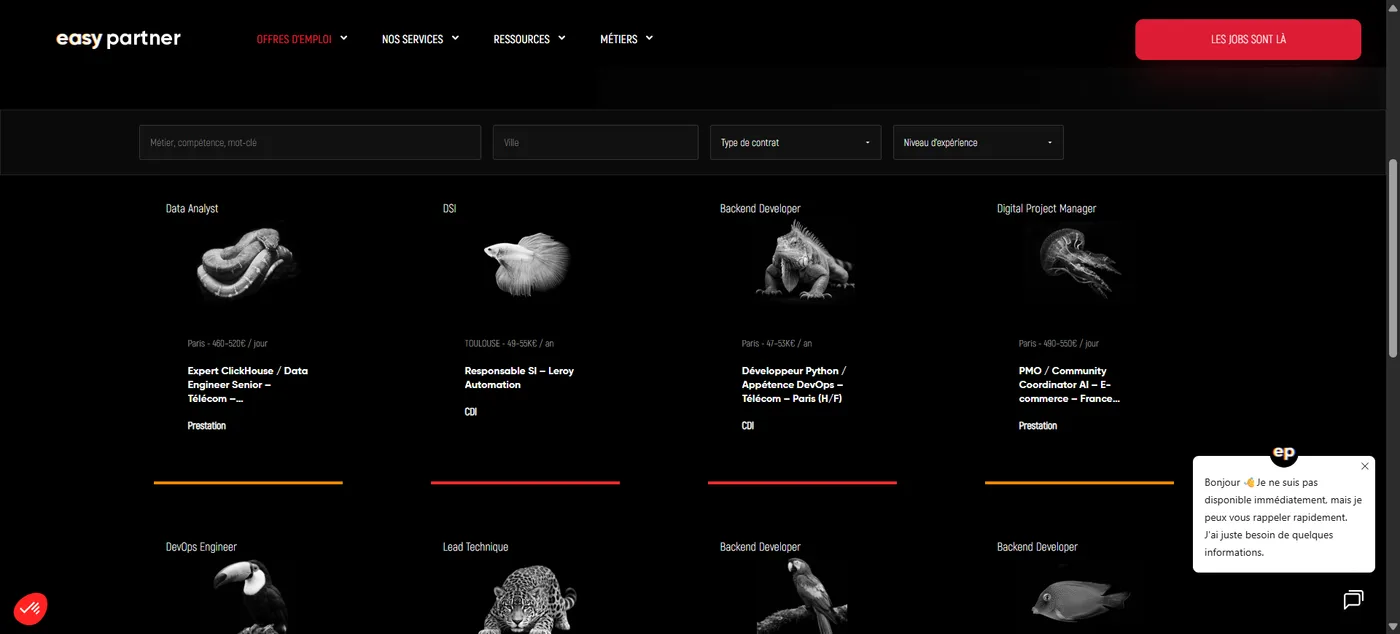
Online application and spontaneous application
Every listing includes an application form that creates or updates the contact in HubSpot, associates it with the right deal, uploads the CV to HubSpot Files and generates an application note, with no re-entry on the recruitment team's side. A multi-step spontaneous-application flow ("We'll find you a match") rounds out the offering for candidates not targeting a specific role.
Referrals
A dedicated referral system lets an employee recommend a candidate from their network. Every referral is tracked via a secure (HMAC) token, logged in a dedicated post type, and can be tracked from the WordPress admin.
Job search and filtering
AJAX filtering of listings (role, city, contract type) with city autocomplete lets visitors quickly find a relevant listing, with no page reload.
Automatic recruiter data enrichment
Every listing displays the recruiter in charge: first name, last name and photo are automatically pulled from the HubSpot Owners API at sync time, with no double entry on the WordPress side.
Display-ready data
Salary and daily-rate ranges (for contract assignments) are computed server-side at sync time rather than on the front end, and stored as already-formatted fields (e.g. "€42K to €48K"), for instant display with no calculation logic on the theme side.
The process: decoupling the business logic from the theme before rebuilding the display
Rebuilding a live site, with no acceptable downtime for the business, means treating the migration as an architecture project before a design project.
1. Auditing the legacy code and mapping business fields
The first step was extracting everything that wasn't display from the legacy theme: the 17 existing custom fields on job listings, the AJAX actions, the email-sending hooks. Every field was reclassified (kept as is, renamed, or dropped, notably fields tied to the old Bullhorn CRM) in a mapping table that served as a reference for the whole team during the switch.
2. Extracting the business logic into MU-plugins
All functional logic, from content types (listings, members, testimonials, partners) to taxonomies, applications, referrals, filtering and the HubSpot sync, was rewritten into theme-independent MU-plugins. This choice guarantees the site keeps working even if the theme is changed again someday: the data and the business flows no longer depend on the display layer at all.
3. Rebuilding the display under Elementor
The Hello Elementor parent theme, minimal and maintained by Elementor's own team, underpins a custom child theme. Pages (listings, blog, contact, salary calculator) are rebuilt with Elementor and connected to the data through custom queries, with no frozen PHP templates, giving the teams editorial independence.
4. HubSpot API development
The HubSpot integration was redeveloped from scratch: listing sync, application management (contact creation, deal association, CV upload, creation of a custom "applications" object with its own pipeline), and webhook endpoints for real-time updates. Every scope of the private HubSpot app was limited to the strict minimum required (read/write on contacts, deals, notes, files, associations).
5. Search performance overhaul
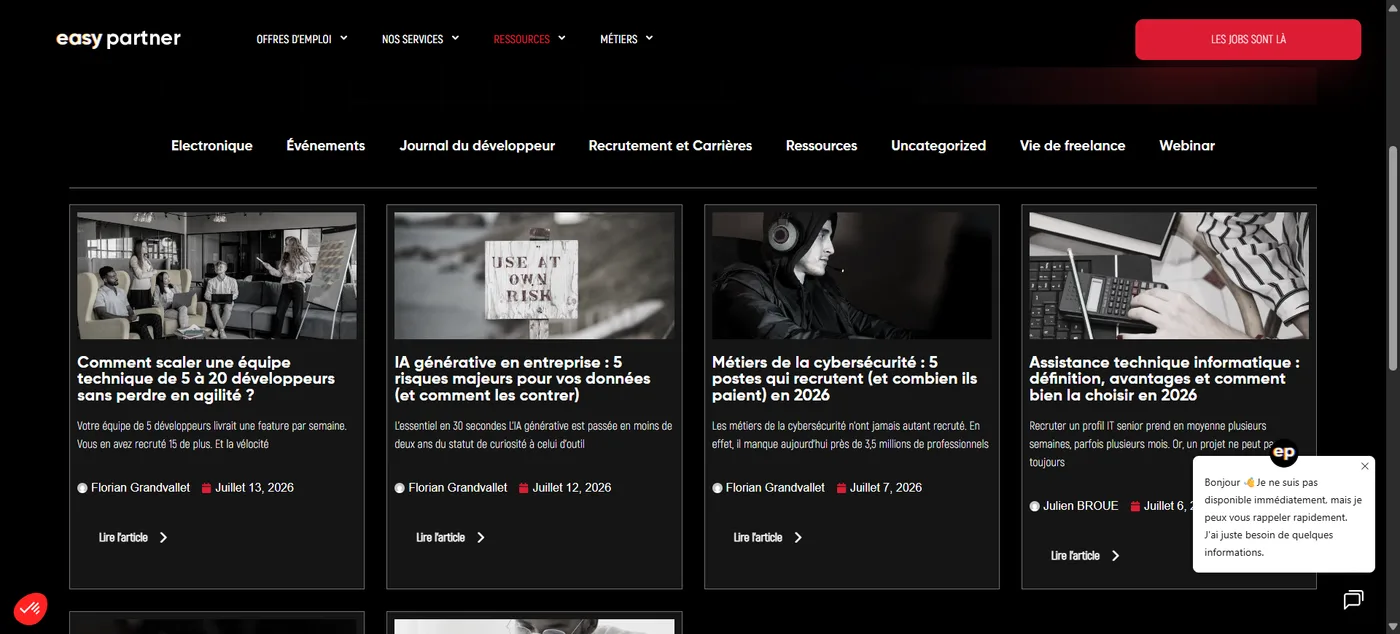
The preliminary SEO audit revealed two structural weaknesses inherited from the legacy theme: virtually no internal linking between listings, job pages and blog content, and heavy cannibalization between pages covering similar topics, several URLs competing for the same keywords with none of them clearly standing out in search results. The rebuild was the opportunity to rebuild the SEO architecture in parallel: redefining a clear hierarchy between pillar and satellite pages, de-duplicating competing content, and putting systematic internal linking in place between listings, job pages and editorial content, using the move to Elementor to bake these links directly into the templates rather than handling them case by case.
6. Documentation and go-live checklist
The project ships with two reference documents: a comprehensive configuration guide (wp-config constants, required plugins, ACF fields, HubSpot properties, token scopes) and a go-live checklist, so the final switch, and any future reinstall, is reproducible without any implicit knowledge of the project.
The tech stack
Technology choices favored long-term stability and maintainability: a standard WordPress foundation instead of a fragile custom theme, and a HubSpot integration built in-house for full control over the business logic, rather than a generic off-the-shelf connector.
CMS and display
- WordPress with the Hello Elementor theme as the foundation, minimal and actively maintained
- A custom child theme (hello-elementor-child) for EasyPartner-specific customizations
- Elementor Pro as the page builder, for the teams' editorial independence
- Advanced Custom Fields (ACF) for custom fields (listings, members, global options)
- Custom JavaScript for front-end interactions (filtering, infinite scroll, multi-step forms, scroll effects)
Backend and integration
- PHP as theme-independent MU-plugins, for all business logic (CPTs, taxonomies, applications, referrals)
- HubSpot API (CRM, Deals, Contacts, Owners, Files, custom objects) via a dedicated private app with restricted scopes
- WordPress REST API for sync and webhook endpoints
- WP-Cron for automatic periodic listing syncs
- HMAC for securing referral tokens
Operations
- Go-live checklist and configuration guide versioned alongside the code
- Diagnostic and manual resync endpoints accessible to admins
- Dedicated logging of HubSpot events (sync, webhooks, mapping errors)
The result: a showcase site that no longer depends on a fragile theme
Saving this live site from critical technical debt didn't mean starting from zero, but carefully separating what needed rebuilding (the display, now under Elementor, and the site's SEO architecture) from what needed preserving and securing (the business data and the application flows), while migrating to a new CRM along the way.
EasyPartner now has a site the team can update safely, whose job listings stay synced with HubSpot with no manual re-entry, whose applications (online, spontaneous or referral-based) feed directly into the company's recruitment pipeline, and whose SEO architecture no longer cannibalizes its own pages on strategic keywords.
This technical rescue engagement covered the full cycle: auditing a critical legacy codebase, extracting the business logic, migrating the CRM, building a custom API and documenting the go-live process, on a site that couldn't afford any downtime.
Fullstack developer · WordPress rebuilds and custom CRM integrations
Why migrate from Bullhorn to HubSpot instead of keeping the old CRM?
Bullhorn was outdated on the integration side and no longer synced correctly with the site. HubSpot was chosen as the new CRM of record, with a custom-built two-way sync of job listings and applications: no more re-entering data between the site and the recruitment pipeline.
Why extract the business logic into MU-plugins instead of leaving it in the theme?
So the site keeps working even if the theme is changed again someday: content types, applications, referrals and the HubSpot sync are rewritten as theme-independent MU-plugins, while only the display layer depends on Elementor.
How did the rebuild also improve the site's search performance?
The preliminary SEO audit revealed an almost complete lack of internal linking and heavy cannibalization between similar pages (listings, job pages, content). The rebuild made it possible to redefine a clear hierarchy between pillar and satellite pages and to build systematic internal linking directly into the Elementor templates.
More projects
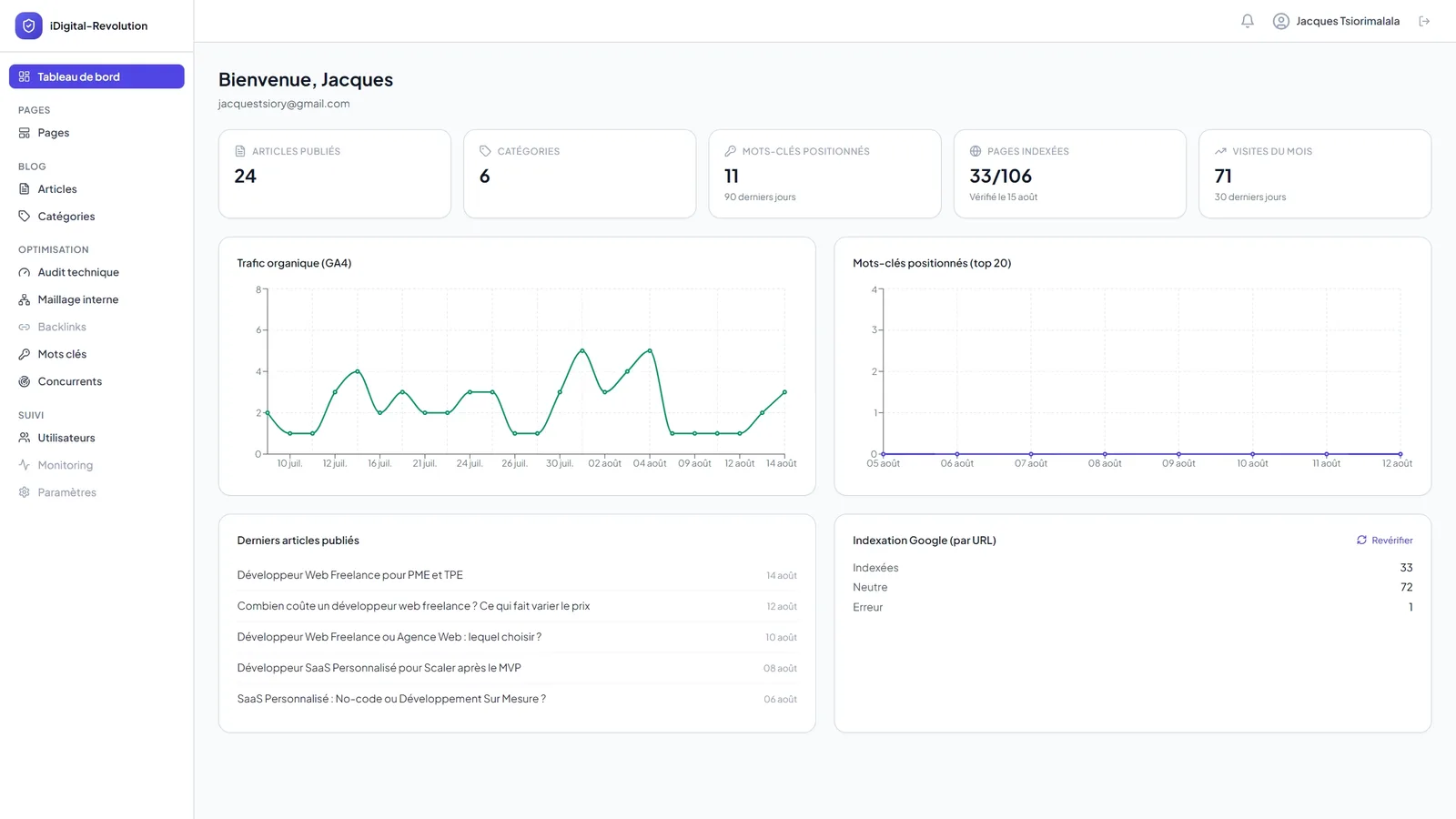
Portfolio Back Office: Custom CMS and SEO Command Center
A custom-built back office combining content management and real-time SEO tracking: SEO score, Search Console data, indexation inspection, competitor monitoring and internal linking, all in one interface.
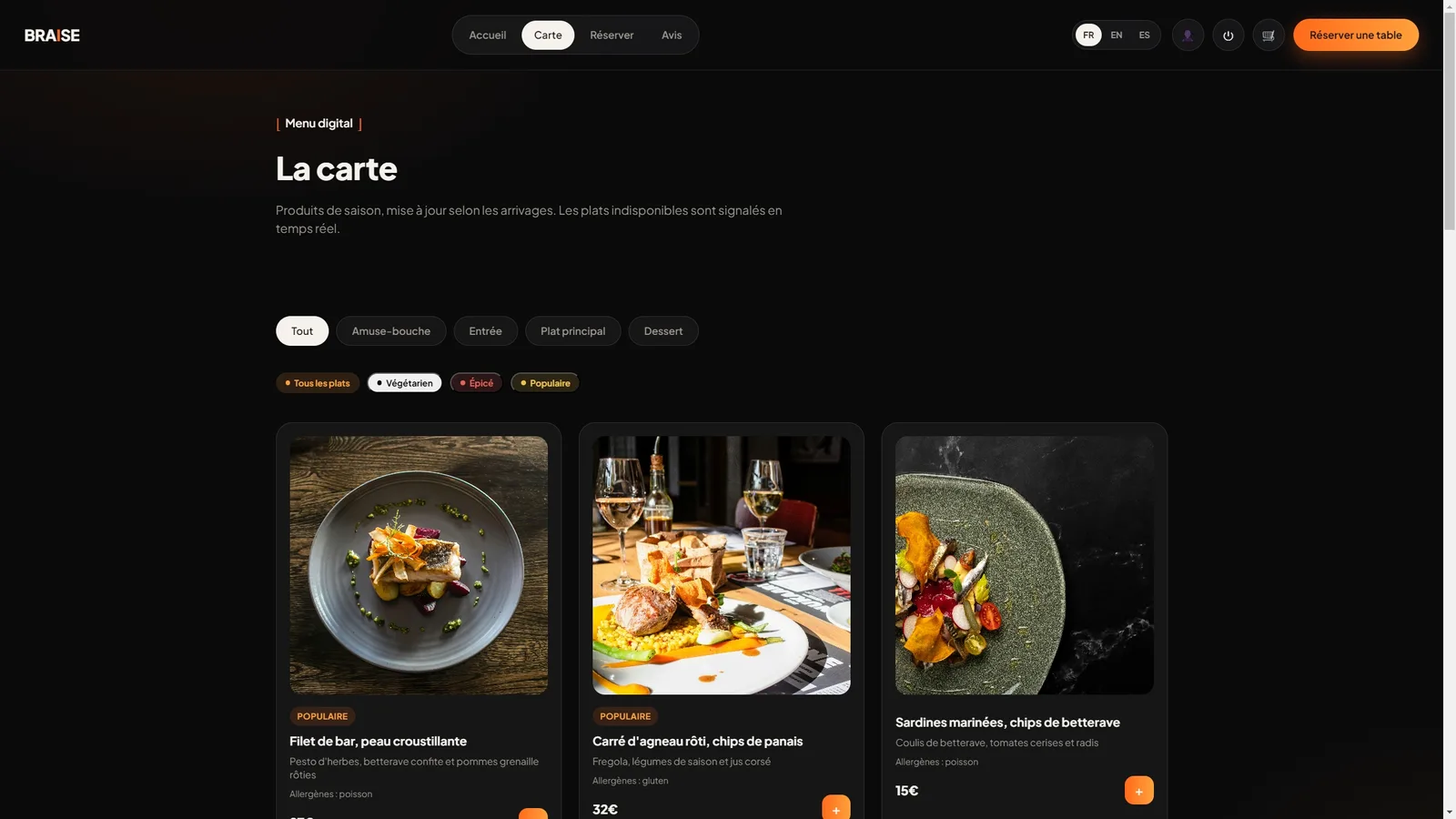
Braise: Booking and Management Platform for Restaurants
A fullstack online booking platform with floor plan management, dynamic digital menu and online ordering for restaurants, built around four roles: customer, server, kitchen and management.